Is it my turn to speak?
Why voice agents talk over people or go quiet: how humans manage turn-taking and how machines try to detect it.
Published on · Certification Alexa Skills Conversation design
Our design tips for building good Alexa skills (voice apps for Amazon Alexa) in Spanish… and getting them certified quickly.
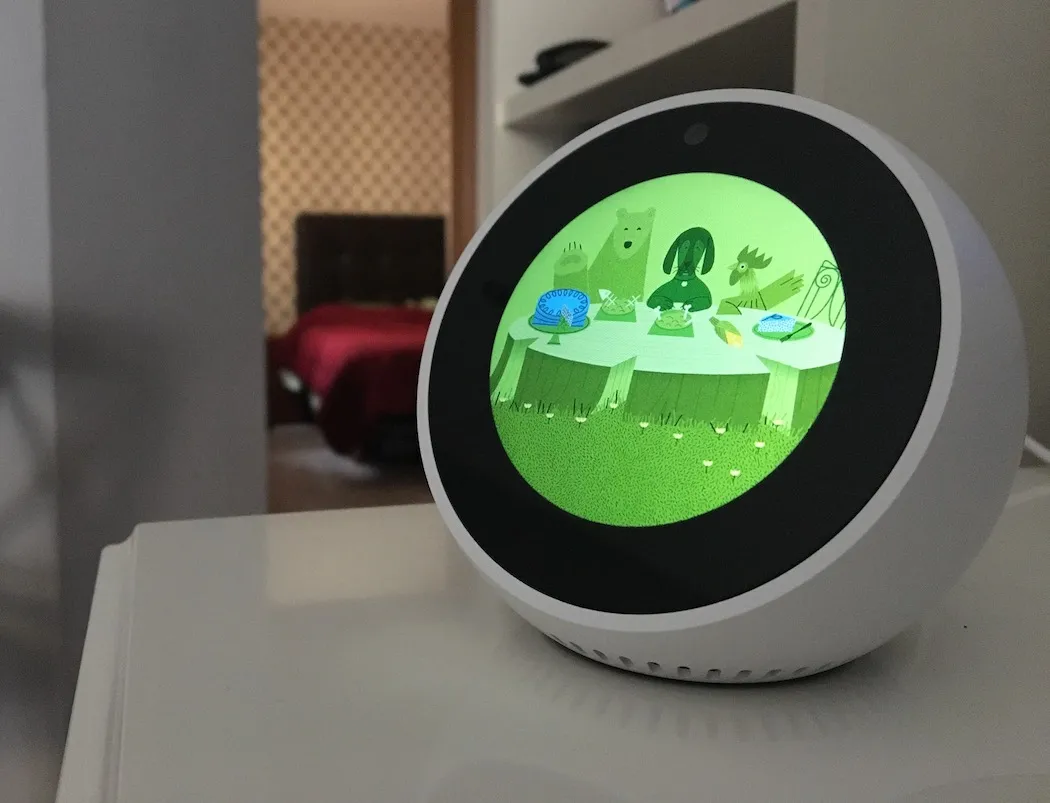
Are you building a skill for Amazon Alexa? Struggling to get it through certification? Do you have few users, or do they not come back?
Many Alexa skills get low ratings or few returning users for reasons that good interaction design (VUI)1 can fix. On top of that, your Alexa skill must not have implementation bugs (that make the interaction end unexpectedly or respond incorrectly).
In this post we share 8 tips for building a good Alexa skill, based on our experience at Monoceros Labs with conversational interfaces, and more specifically, building the Veo Veo skill.
Do you know what your users will ask your skill? Have you imagined how it will answer?
The first step in conversation design is writing out sample conversations between your skill and your users. And yes, it’s like writing a movie script.
Start on paper with a first idea of what the interaction would look like. You can use scriptwriting tools like Amazon Storywriter (it doesn’t support Spanish accents, but it’s simple and quick to use).
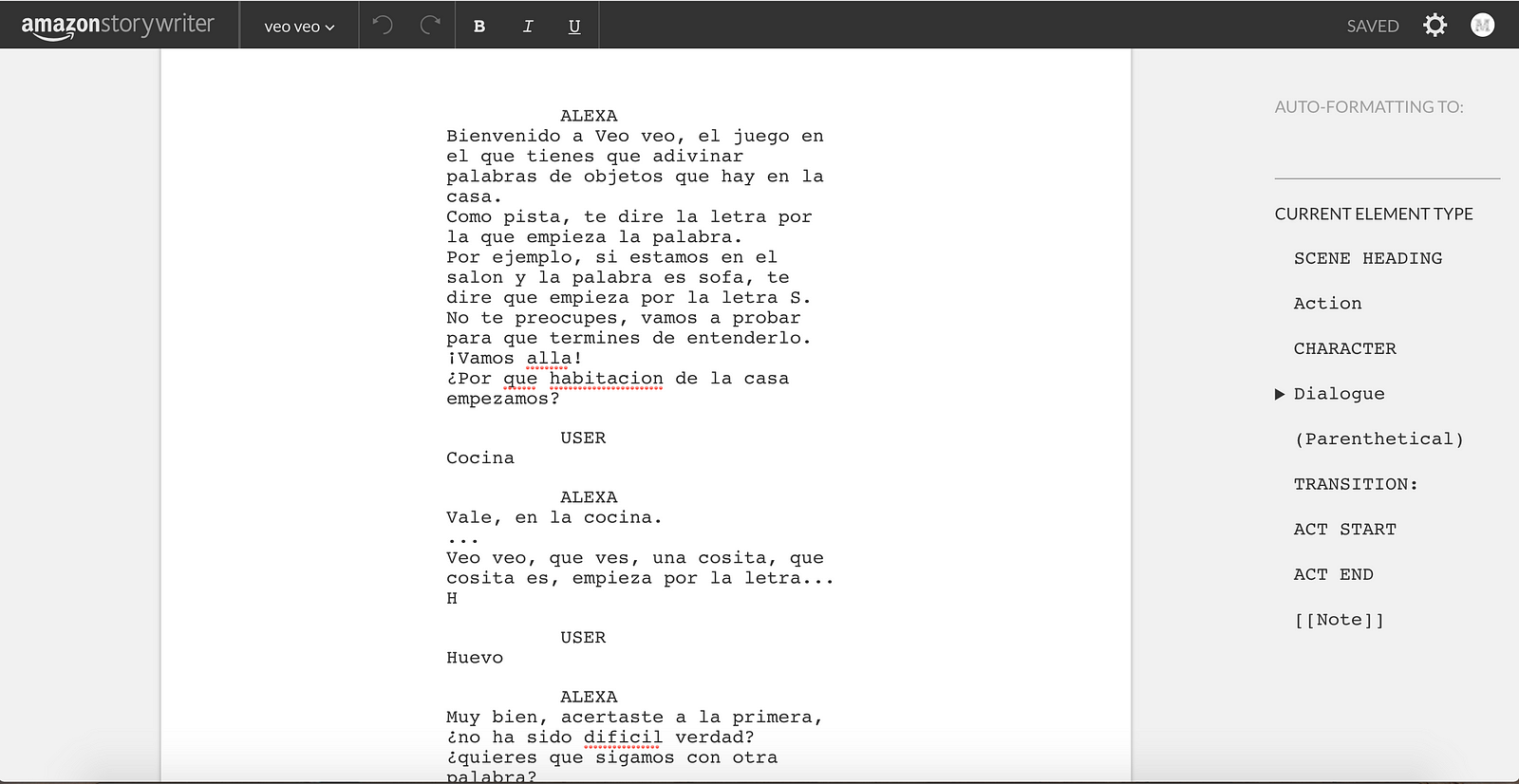
Don’t forget to rehearse those conversations out loud: you’ll be building your skill’s first prototype. Whatever doesn’t work, simplify.
Tip: If you avoid having lots of intents2, you’ll have more control over the responses and avoid errors that make the experience seem broken.
Always end your sentences with a question (it’s not just a requirement for passing Amazon certification). It’s the natural way we ask for information in a conversation.
The trick is to design the conversation so the question narrows down your users’ possible answers. Not an open question with endless answers. For example, closed yes or no questions.
Those possible answers must also be covered (trained in your interaction model3) by one of your intents. For yes or no answers, it’s best to use the built-in intents4 AMAZON.YesIntent and AMAZON.NoIntent.
Often no answer comes, either because of noise or because the user doesn’t know what to say. Remember reprompts5 and use them to repeat the previous sentence and/or give your users time to think about their answer.
It’s very likely someone won’t know how to interact with your voice app. How does it work? What can it do, and what do they have to say to be understood? They’ll probably ask for help within the experience.
Include the Help built-in intent (AMAZON.HelpIntent) to tell your users how to use the Alexa skill. You may need to add extra utterances to that built-in intent depending on your functionality.
Tip: If you also know exactly when in the conversation people ask for help (for example, what the previous intent was), you can fine-tune your answer and give more information based on the context of the interaction.
As the Alexa design guide explains, you’re writing for the ear (you’re talking to your users), not for the eye.
Avoid very long sentences without commas or periods to break them up. Be concise. Long, monotonous sentences make for a poor interaction, and the information will be harder to remember.
Is your app multimodal too? Can users use their voice or tap the screen?
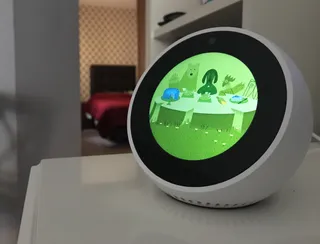
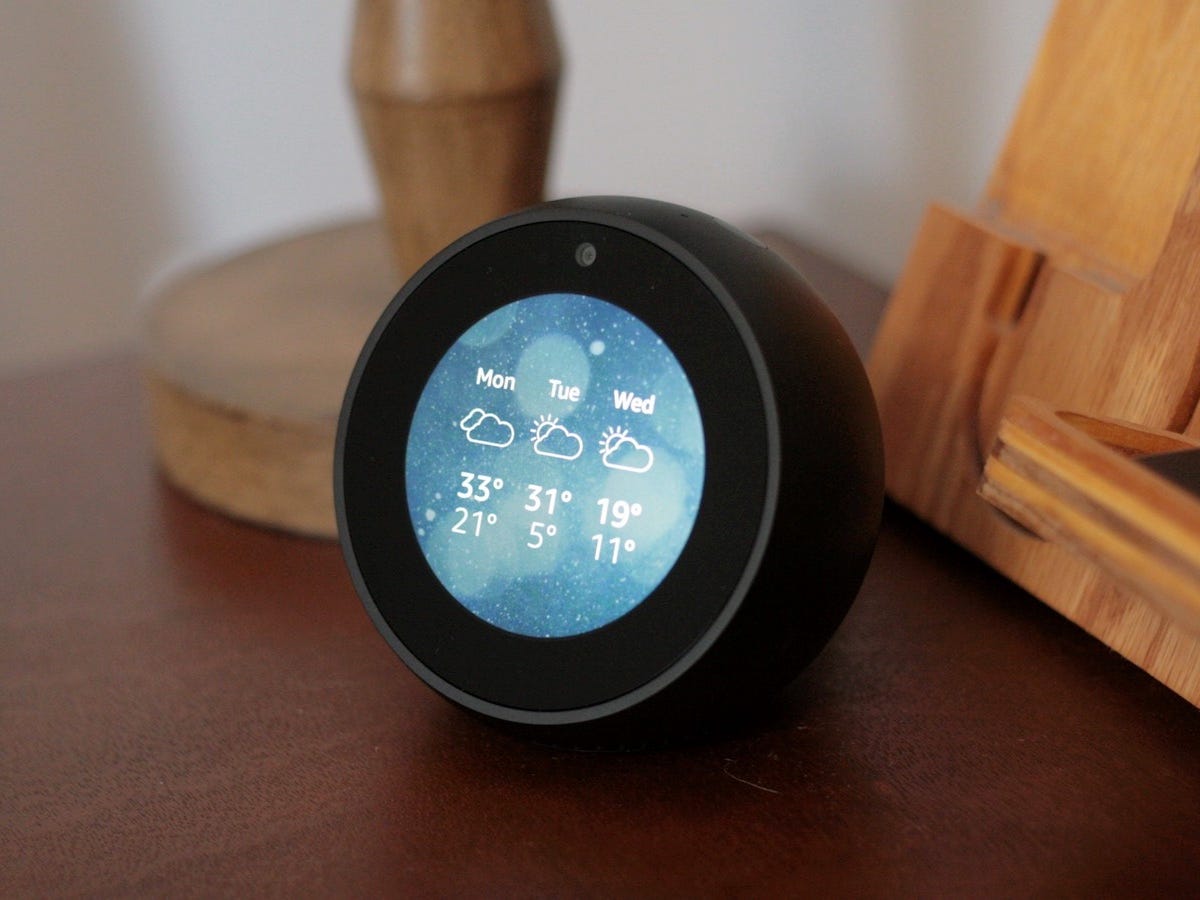
The screen should show information that complements what you say by voice, not the same information. By complementary we mean showing text or images that support the audio. And remember to always design for voice first (some users have devices without a screen, like the Echo Dot, Echo or Echo Plus).
For example, when you ask Alexa for the weather, her spoken and visual answers are different:
Alexa: “El tiempo en Madrid es de 33ºC con cielos nublados, el martes 31 ºC con cielos parcialmente nublados, el miércoles…” (“The weather in Madrid is 33ºC with cloudy skies, Tuesday 31ºC with partly cloudy skies, Wednesday…”)
Use different expressions for the same kind of answer. Using the same answers makes the interaction repetitive, and your users won’t engage as much with the content. For example, if they thank you, randomly answer “de nada”, “no hay de qué” (both “you’re welcome”), and so on.
Use sound effects to enrich the experience and support Alexa’s answers. Use SSML6 in your responses and don’t forget to add speechcons7 (interjections) for expressions like “hola” or “gracias”.
If you want to see an Alexa skill that uses all these tips, try Veo Veo: enable it here.
If you don’t have an Echo device (and don’t want to try it in the Amazon Alexa mobile app), you can also watch the video below to get an idea of the interaction (although it doesn’t show every example):
VUI stands for Voice User Interfaces, meaning any interface where interaction happens mainly through voice. More on Wikipedia. ↩
Intents in Alexa represent the actions your users want to carry out. Learn more in the Alexa documentation. ↩
The interaction model in Alexa is made up of sample utterances, intents and the important information, or slots, needed to carry out actions, among other things. Learn more in the Alexa documentation. ↩
Built-in intents in Alexa are intents Amazon has already trained with sample utterances, usually for common actions. Read more in the Alexa documentation. ↩
Reprompts are your skill’s responses to unexpected situations, such as the user not answering or saying something none of your defined intents understands. Read more about Alexa responses in the documentation. ↩
SSML (Speech Synthesis Markup Language) is a markup language for speech synthesizers. It’s like HTML + CSS for spoken responses. Read more on Wikipedia. ↩

Written by
Co-founder at Monoceros Labs
Co-founder of Monoceros Labs. A computer engineer researching dialogue systems since 2009, now doing a PhD in AI at the University of Granada.
Share this article:
Why voice agents talk over people or go quiet: how humans manage turn-taking and how machines try to detect it.

Before choosing technology for a chatbot or voice assistant: which conversations you want to have, where, through which channel, how you'll measure success and what to prototype.
Text written for reading usually sounds wrong in a voice assistant. Six adjustments for writing for the ear: sentences, options, punctuation, numbers and pauses.